For small business websites
Change your website by just asking.
Click any words or photo on your own site and type or say what you want. You see the change right away, approve it, and it's live. No developer, no waiting.
$249 one time. Sign up and install the script first — takes about 2 minutes. Or try the live demo first.
How it works
1. Paste one line
Sign up with your email and website. We give you one line of code to add to your site, and check that it is working.
2. Click and ask
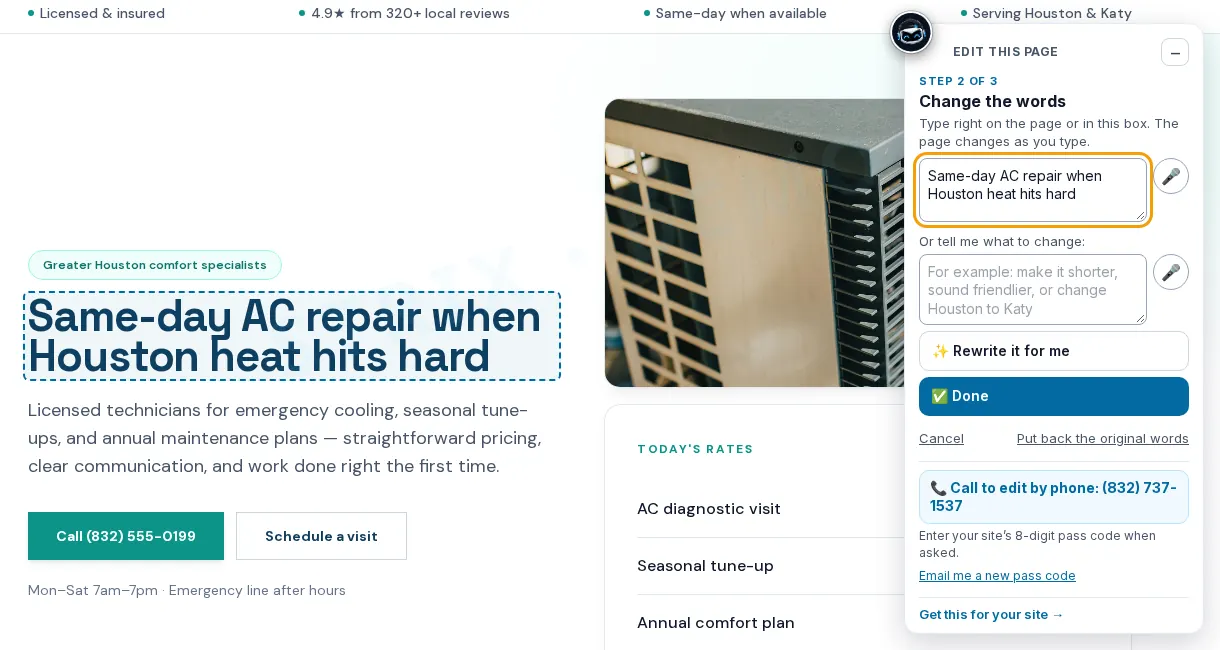
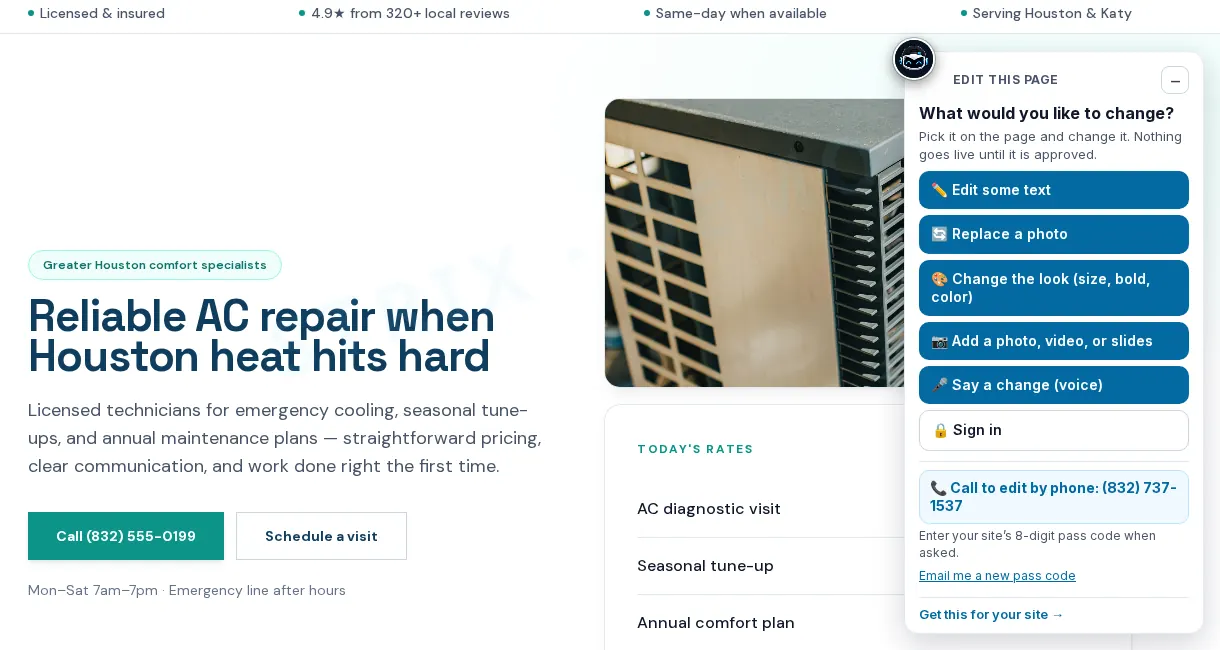
Open your site, click the words or photo you want to change, and type or say the change. Or let it rewrite for you.
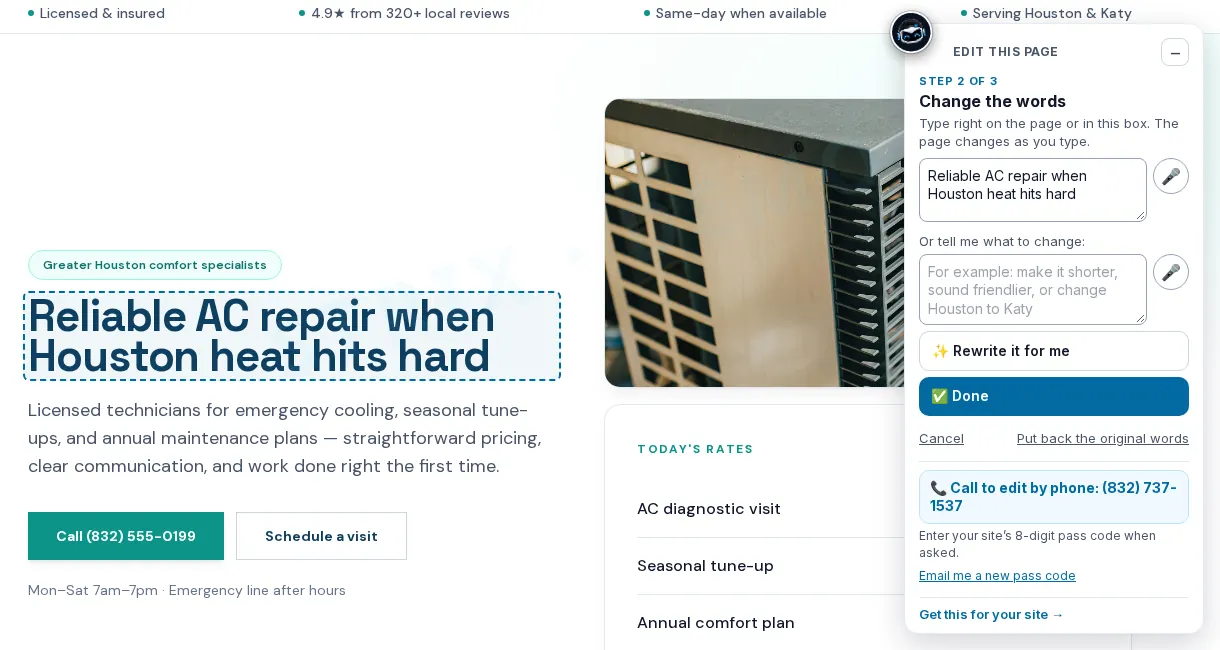
3. Approve it
Nothing goes live until you approve. Changed your mind? Undo it any time.
Install: one script tag
After you sign up you get your own site key. Your line of code looks like this, and goes just before </body> on every page:
<script src="https://web.stricklandai.com/widget.js" data-site-key="YOUR_SITE_KEY"></script>WordPress
Install a header-and-footer code plugin (for example WPCode), choose “Footer”, paste the line, save.
Wix
Settings → Custom code → Add code. Paste the line, apply to All pages, place it in Body – end.
Squarespace
Settings → Advanced → Code injection → Footer. Paste the line and save.
Shopify
Online Store → Themes → Edit code → theme.liquid. Paste the line just before </body> and save.
Webflow
Site settings → Custom code → Footer code. Paste, save, then publish the site.
Hand-built / other
Paste the line just before </body> on every page (or in your shared footer template).
Then open your site and add #le-edit to the address (for example yoursite.com/#le-edit) and sign in with the 8-digit pass code we gave you. Our sign-up page checks the install for you and tells you when it sees the script.
Questions
Do I need to know code?
No. You paste one line once (we show you where for your platform). After that you click and type, or talk.
Can it break my site?
Nothing goes live until you approve it, and every change can be undone. Your original site files are not overwritten by the script.
Do my visitors see the changes?
Yes. Once you approve, everyone who visits sees the new words or photo. On WordPress, our connector plugin can also save approved changes into your pages.
What does it cost?
The Strickland Editor is $249, paid once. Signing up and installing the script does not charge you. There is a 7-day refund if unused.